
Removing your image
Updated 29 October 2026
You can delete any of your images yourself, at any time.
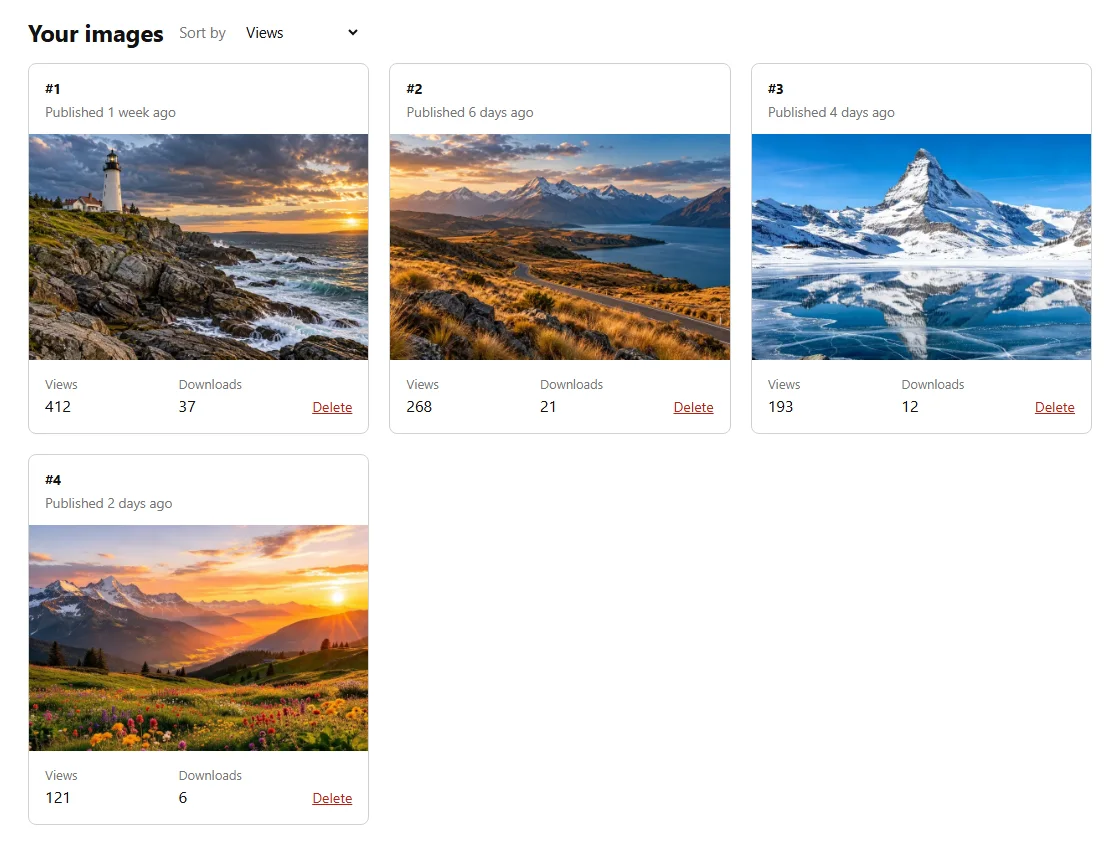
A published image
- Log in and click Account at the top of the page.
- Under Your images, find the image and click Delete.
- Confirm. The image is removed from the site straight away, with its stats.
An image in review
Click Delete next to it under Submissions. We won't review it.
An image you haven't sent yet
Click Remove next to it on the upload page.
Copies people already downloaded
Images are shared under CC0, which can't be taken back. Deleting an image removes it from Free Image Vault, but copies people downloaded before then may still be used.
Removing everything
To delete all your images and your account at once, use Close account on your account page.