
Your public profile
Updated 29 October 2026
Everyone who shares images gets a public profile, where people can see all their published images.
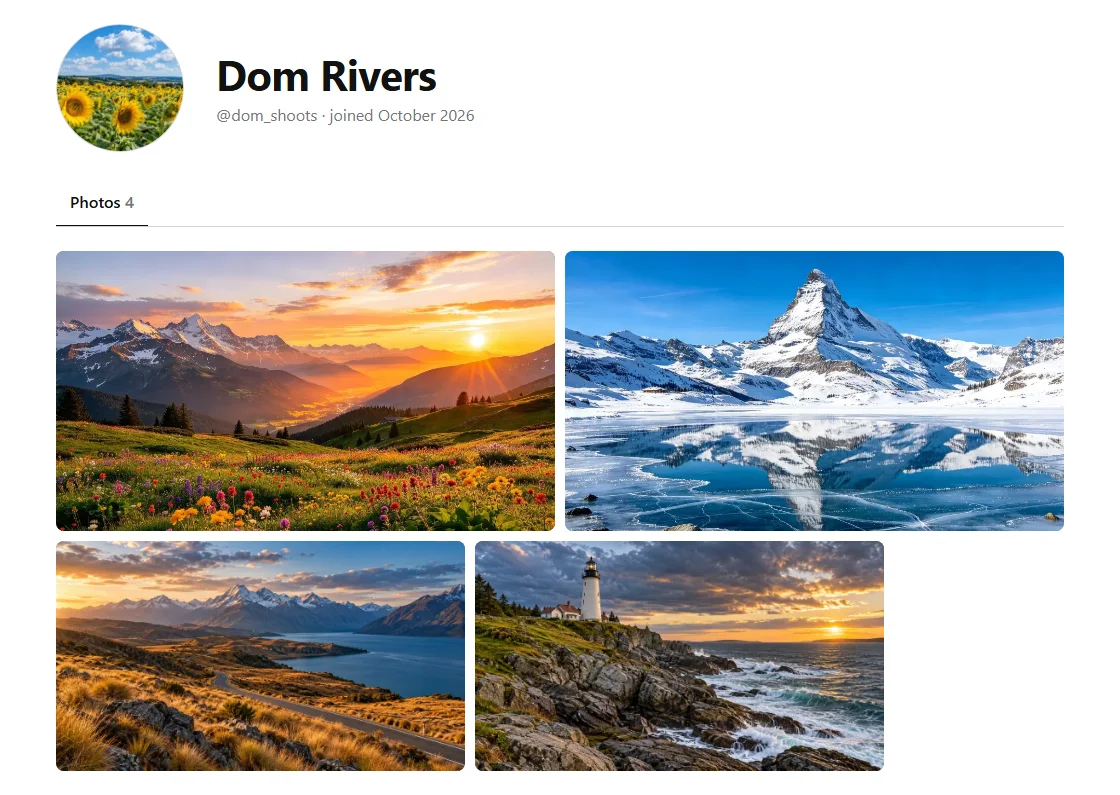
Where to find it
Your profile's address is freeimagevault.com/@ followed by your username. Click View your profile on your account page to open it. Your name and picture at the top of each of your images also link to it.
What it shows
Your name, profile picture, username, the month you joined and your published images. Your email address is never shown.
Changing it
Go to Account → Edit profile. There you can:
- add or change your profile picture (JPEG, PNG or WebP, up to 10 MB; it's cropped to a circle);
- change your first and last name;
- change your username. Your profile's address and the credit on your images change with it, and the old address stops working.